
Before the arrival of software package, the productivity tools were largely static: spreadsheets for numbers, text editors for documents, and basic inboxes for email. Users manually performed tasks—from formatting documents to filtering data—without intelligent assistance.
Software packages played a critical role in improving office productivity by automating routine tasks, streamlining workflows, and enhancing employee management / collaboration. It provided better visibility into operations through real-time tracking and reporting, reduces errors and delays, and enables data-driven decision-making. Additionally, such software supported remote and hybrid work environments while increasing overall efficiency, helping businesses achieve more with fewer resources.
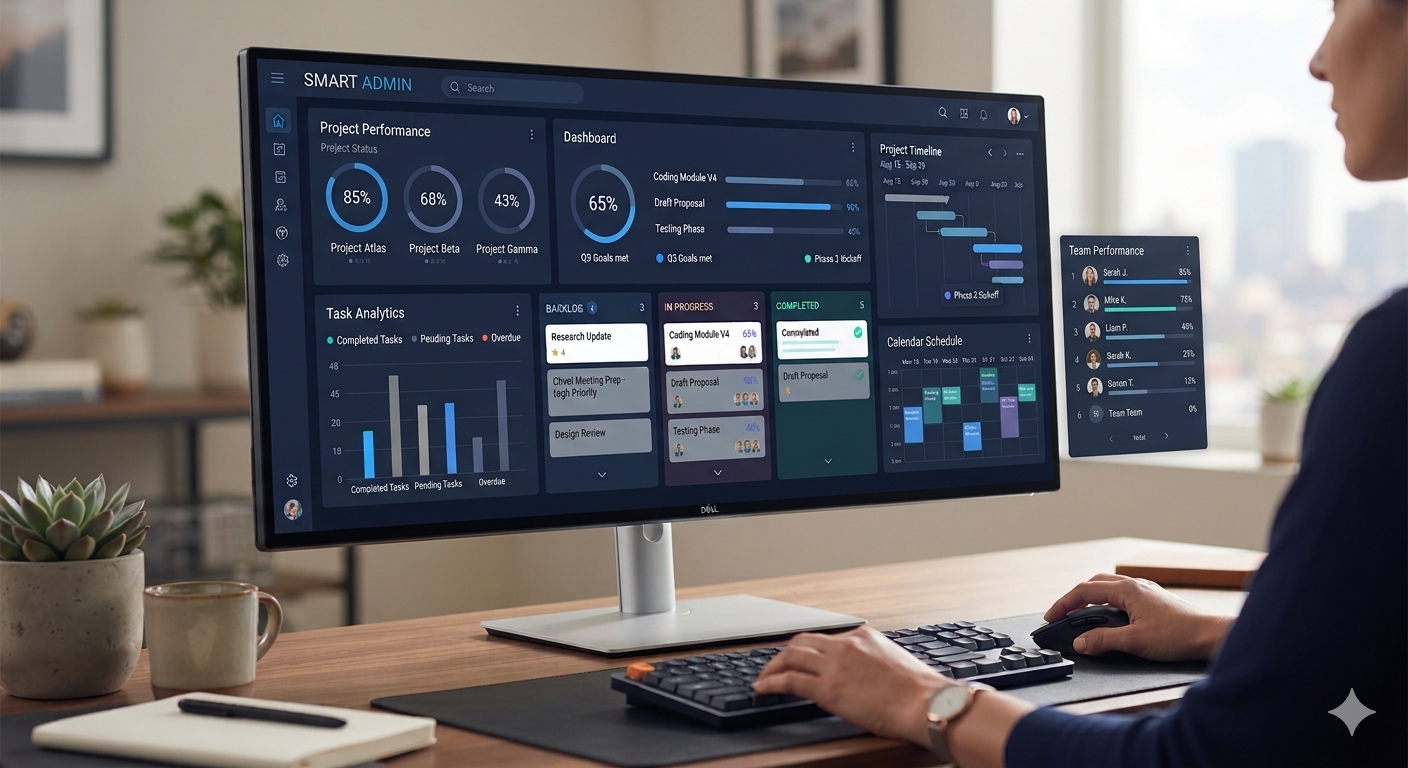
The introduction of AI changed that landscape dramatically. Today’s productivity software incorporates elements like predictive text, smart scheduling, data visualization, and automated workflows, all powered by machine learning algorithms capable of learning from user behavior.
Here are a few AI linked tools which improve office productivity.
Smart Writing and Editing: Redefining Document Creation
smart writing assistants help as grammar checkers, style suggestions, and tone analyzers have become indispensable.
Instead of spending extra time proofreading or formatting documents, users can rely on AI to catch complex grammar issues and even adapt voice and style based on audience or purpose. This shift allows professionals to focus less on mechanical correctness and more on creativity and strategy. However, the output is closely linked with the prompt and hence there is a need of extra care while using such tools.
Data Analysis – Smarter Spreadsheets
Spreadsheets were once intimidating to many users because of complex functions and manual data manipulation. AI is changing that through intelligent features like data insights, automated recommendations, and natural language querying.
- Users can ask spreadsheets questions in plain language (“Show me last quarter’s top 10 clients”), and the application will generate charts or pivot tables automatically.
- Predictive modeling can forecast trends.
- AI can clean and organize messy data sets without manual formulas.
Organizations of all sizes can gain actionable insights without requiring specialized data analysts. That democratization of data drives faster decision-making and improves accuracy across reports and analyses.
Email and Scheduling: Automated Time Management
The volume of emails and meetings professionals face each day can be overwhelming. AI is stepping in to manage these intelligently:
- Smart email categorization:Prioritizes important messages and filters out noise.
- Suggested replies:Saves time by offering quick response options.
- Automated scheduling assistants:Coordinate meeting times across teams based on availability, preferences, and past behavior.
Tools like Microsoft Outlook’s AI-driven scheduling assistant and Gmail’s Smart Reply features exemplify how productivity software now thinks on behalf of the user. Instead of spending precious minutes rearranging calendars or sorting through inbox clutter, professionals can focus on meaningful work.
While AI brings enormous power, it’s not immune to risks. Here are a few challenges:
- Privacy:AI often requires access to large data sets—raising questions about data security and user consent. Hence, AI integration would not bring desired result where we restrict an office tool access with user password.
- Over-reliance:There’s a risk of professionals becoming dependent on automation, potentially reducing skill development.
- Accuracy:AI suggestions may not always be perfect, meaning users must still apply judgment and verification.
- Integration:Legacy systems may struggle to integrate with modern AI-enhanced tools without additional infrastructure investments.
As AI becomes easier to use, “Shadow AI”—the use of unauthorized AI tools by employees—has become a top priority for IT departments. In 2026, an estimated 71% of employees use AI tools not officially sanctioned by their company.
Project management and employee management platforms provide structured controls for tracking, reporting, approvals, and security that AI alone cannot currently replicate. Thus, AI is unlikely to replace productivity and workforce management software in the near term, particularly systems that rely on access controls, workflow governance, compliance, and operational tracking. While AI can enhance productivity by automating tasks and generating insights, integrating AI into business environments without proper controls may introduce data privacy and security risks. As a result, AI is best positioned as a complementary technology that works alongside existing productivity, task and tracking management systems rather than replacing them.
SMART ADMIN is a comprehensive SaaS-based office automation platform that unifies employee management, client management, attendance tracking, payroll, lead management, ticketing, project management, task tracking, invoicing, and payment processing within a single system. Designed for organizations of all sizes, it streamlines business operations through integrated modules for payroll management, timesheets, lead tracking, invoicing, and project monitoring. SMART ADMIN for FREE Trial and Registration.